Paragraphs
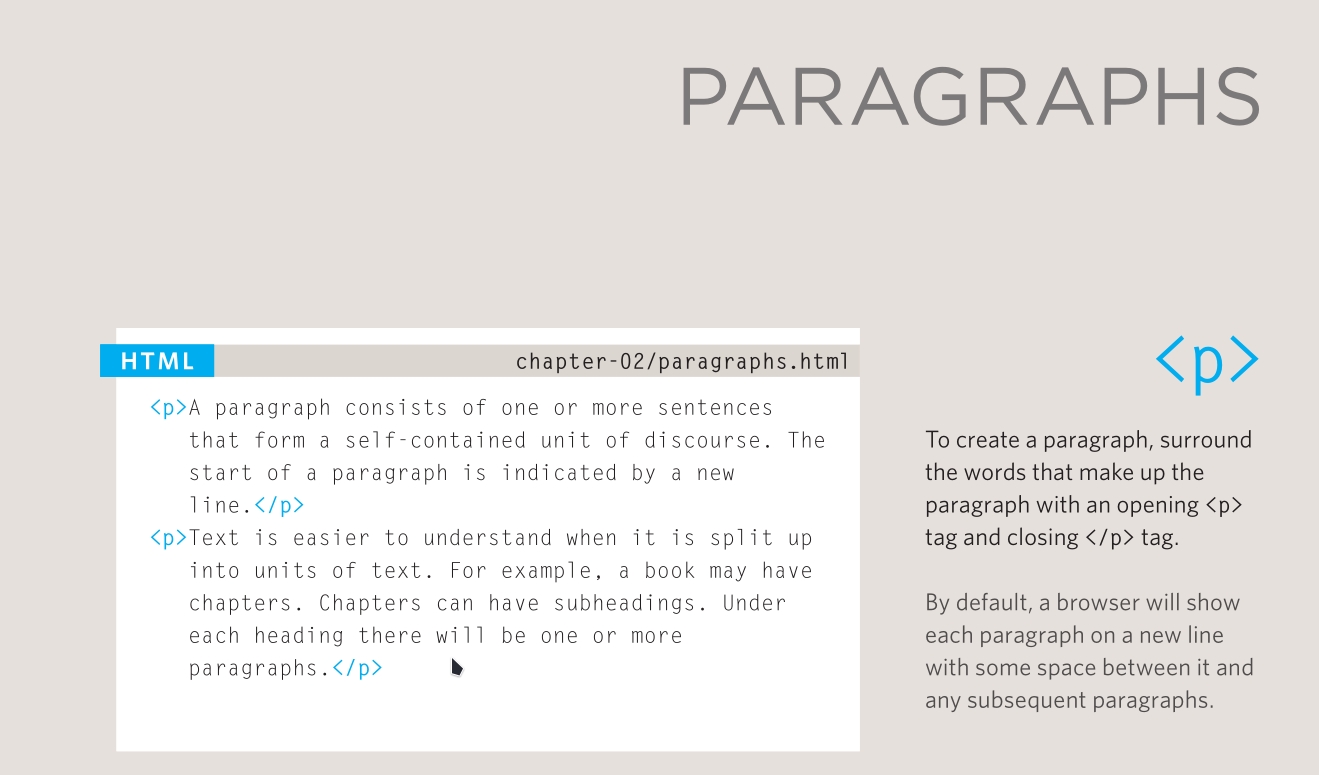
A paragraph is a block of text about one idea. HTML marks it with <p>:
Browsers put a paragraph on its own line and add space above and below it. Keep each paragraph short enough to read on a phone. If you start a new idea, start a new paragraph.
<p> and <br>
<p> starts a new block. <br> breaks a line inside the same block.
Use <br> for addresses, poems, song lyrics, or short lines that belong together. Do not use several <br> elements to create space between paragraphs:
That creates no real spacing in the document structure, and screen readers do not treat the blank lines as meaningful. Use separate paragraphs and CSS margins instead.
<hr> marks a change of topic
An <hr> is a thematic break. It separates sections when the topic changes, such as moving from a menu to prices or from one scene in a story to another.
The browser draws a line, but the line is not the point. The break in the content is.
Do not use <hr> as decoration. If you want a line for visual reasons, use a border in CSS.
Check your work
- Does each paragraph contain one main idea?
- Are there any groups of two or more
<br>elements used for spacing? - Does
<hr>separate two genuinely different topics? - Is all the text inside
<p>or another suitable element, rather than loose in<body>?
Try it
Mark up a shop notice with:
- a heading,
- two paragraphs about opening hours,
- an address written with
<br>, - an
<hr>before a note about holiday closing times.
Open the page in the browser and resize the window. The line breaks in the address should stay; the paragraphs should wrap normally.
Next: Text Blocks gives the exact syntax for <p>, <br>, and <hr>.