Heading Levels
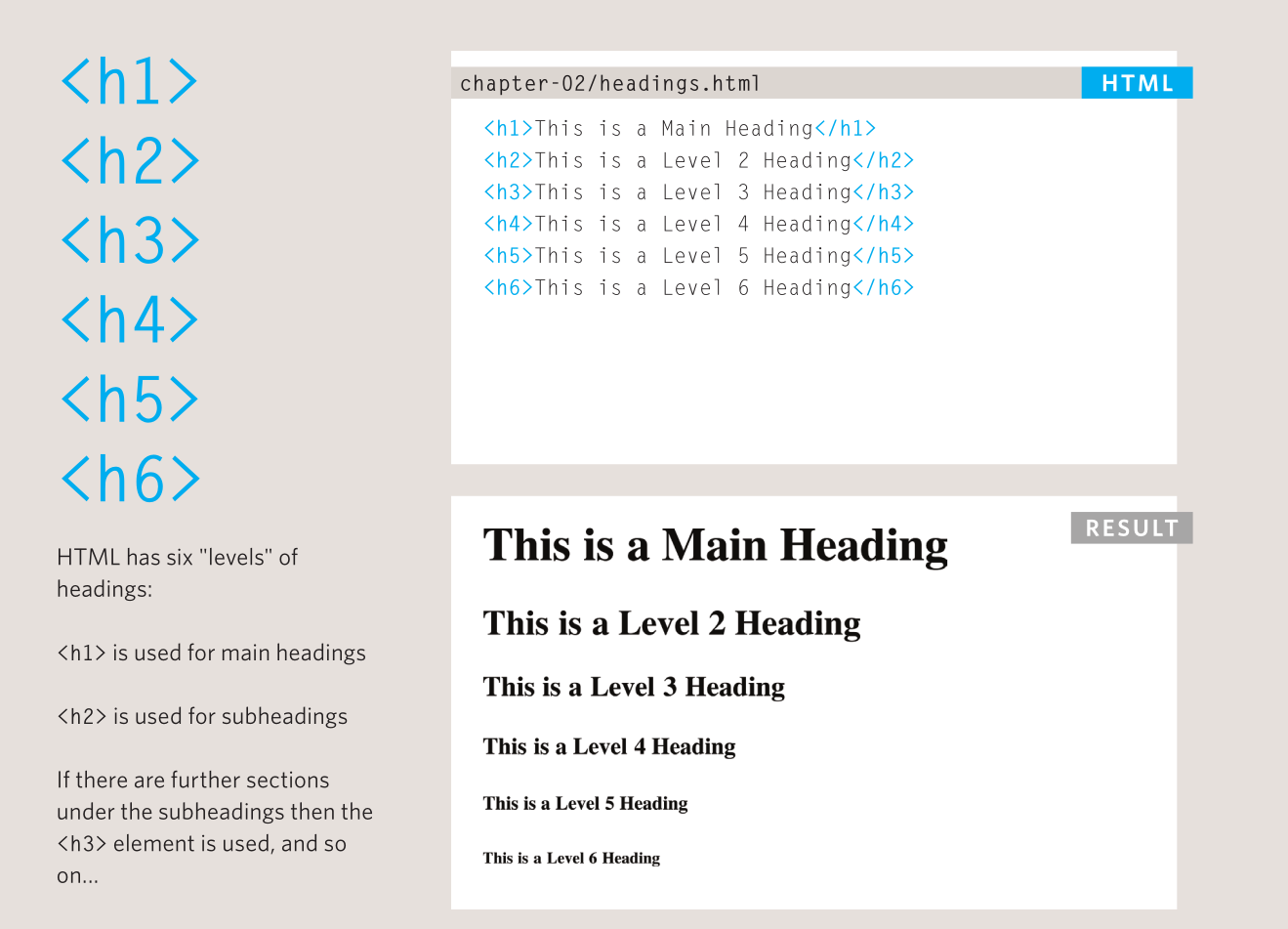
This page is a quick reference for <h1> to <h6>. Use it when you need to check which level belongs where.
The six levels
| Tag | Use | Example |
|---|---|---|
<h1> |
Page title, once per page | MHSM Bakery |
<h2> |
Major section | Our Menu |
<h3> |
Subsection inside an <h2> |
Drinks |
<h4> |
Deeper subsection | Hot Drinks |
<h5> |
Rarely needed | Tea Notes |
<h6> |
Rarely needed | Fine Print |
The browser's default size is not a reason to choose a level. The outline is.
A correct outline
This outline is valid even though it does not use <h4>, <h5>, or <h6>. Use only the levels your content needs.
An outline with a problem
The page jumps from level 1 to level 3. A screen reader user will hear a gap in the structure, and the page will be harder to scan.
Exercise: fix the outline
The headings below are out of order. Rewrite them so they form a sensible outline with one <h1>, the main sections as <h2>, and the items under Bread as <h3>.
<h1>MHSM Bakery</h1>
<h3>Bread</h3>
<h4>White bread</h4>
<h4>Brown bread</h4>
<h3>Pastries</h3>
<h2>Contact</h2>
When you have rewritten it, check:
- Is there exactly one
<h1>? - Does every
<h3>sit under an<h2>? - Does each heading describe the content below it?
Quick rules
- One
<h1>per page. - Do not skip levels.
- Do not use headings just to make text bigger.
- Keep heading text short and descriptive.
- Use CSS to change appearance.
Next: Paragraphs